Do I Own My Website? Domain, Content and Control Explained
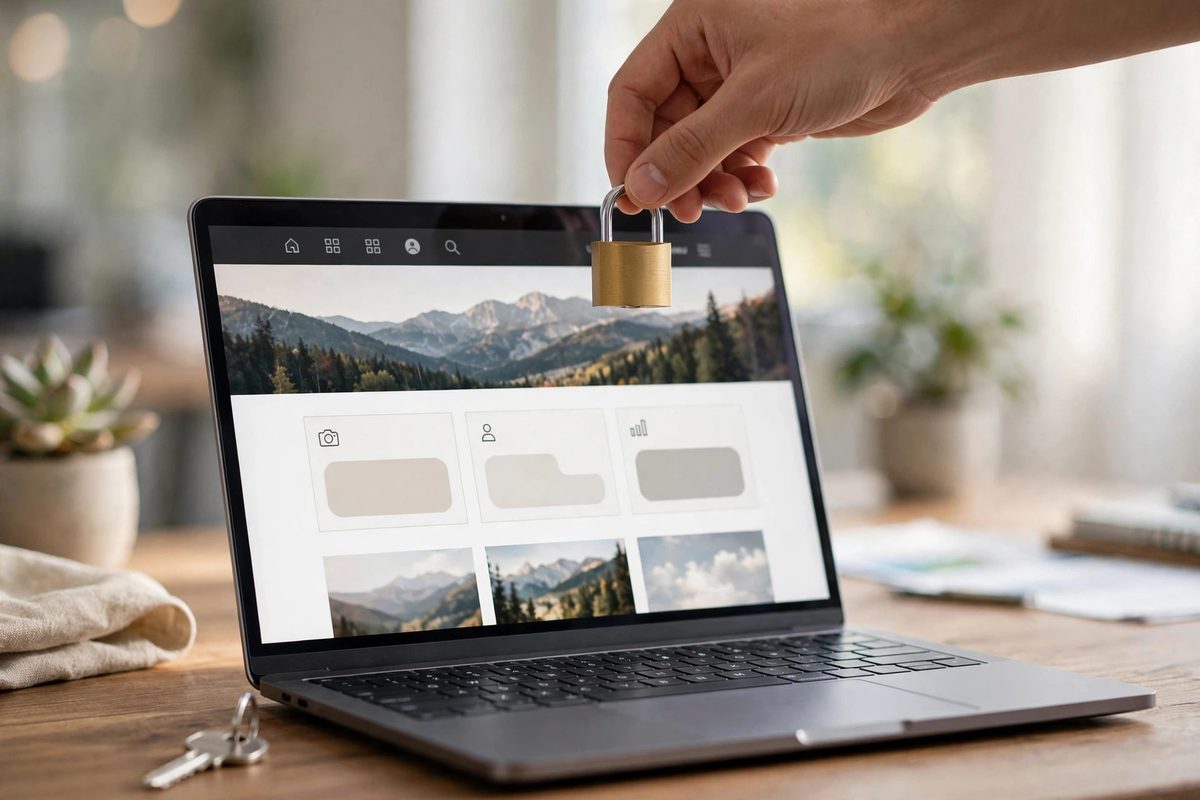
"Do I own my website?" sounds like it should have a simple yes-or-no answer. It does not. Website ownership is actually four separate things — your domain name, your content, your design files, and your hosting account — and you can own some while someone else controls the rest. Business owners discover this the painful way when they try to leave a designer and learn their "own" website is not really theirs. Here is exactly what to check.
Do I Own My Website? The 4 Parts Explained
Think of your website as a house. Owning it means holding the keys to every part:
- →1. The domain name (the address). This must be registered in YOUR name, in an account YOU control (GoDaddy, Namecheap, Cloudflare — whichever you choose). If your designer registered it under their account "for convenience," they can hold it hostage. This is the most common ownership trap.
- →2. The content (the furniture). Your text, photos, logo, and videos. You should have copies of everything, and the contract should state the content is yours. Note: stock photos are licensed, not owned — keep the license records.
- →3. The design and code (the building). For a custom-built site, the contract should transfer the design and code to you on final payment. For template or builder-based sites, understand what you actually get — more on this below.
- →4. The hosting account (the land). Your site lives on a server. Ideally the hosting account is in your name so you can move providers freely. If the designer hosts it on their own account, you are dependent on them for access.
The "Rental" Trap: When You Do Not Own Your Website
Some web design deals are secretly rentals. Warning signs: a very low upfront price with a required monthly "maintenance" fee, no access to your own hosting or domain accounts, and contracts that say the designer retains ownership of the design. In these arrangements, stopping payment can mean losing your entire site — domain, content placement, everything.
This is not always a scam; some businesses knowingly choose website-as-a-service models. The problem is only when it is not disclosed. Always ask directly: "If I stop working with you, what exactly do I keep?" Get the answer in writing. Our comparison of DIY builders vs professional design explains how ownership differs across approaches.

5 Questions to Ask Before You Pay Anyone
Ask these before signing anything — a trustworthy designer answers all five without hesitation:
- 1.Will the domain be registered in my name, in my own account? The only acceptable answer is yes.
- 2.Do I receive full admin access to the website and hosting? You should be able to log in and see everything, even if you never touch it.
- 3.What happens to the site if we part ways? You should keep a working copy of everything, full stop.
- 4.Are there ongoing fees required to keep the site online? Hosting and domain renewals are normal; mandatory "design rental" fees are the red flag.
- 5.Can I get a full backup of the site files? Any professional should be able to hand you a complete copy on request.
What About Wix, Squarespace, and WordPress?
Ownership works differently by platform. With WordPress (self-hosted), you own everything — files, database, content — and can move hosts freely. With Wix or Squarespace, you own your content and domain, but the design lives on their platform and cannot be exported; leaving means rebuilding. With Shopify, similar: your products, customers, and domain are yours, but the storefront is tied to the platform. Our platform comparison breaks down these trade-offs in detail.
None of these is automatically wrong — but you should choose knowingly. A business planning to stay put for years may be fine on a builder; a business that wants maximum control and portability should lean toward self-hosted WordPress or a custom build where files transfer to you.
How to Secure Ownership of a Site You Already Have
If your site is already built and you are unsure who controls what, do this audit this week:
- →Look up your domain on a WHOIS checker — is the registrant you or your designer?
- →Try logging into your hosting account yourself. If you do not have credentials, request them.
- →Download a full backup of the site files and database — see our backup guide — and store it somewhere you control.
- →Read your original agreement for ownership and termination clauses. If there is no agreement, get one in place now.
If you find your designer controls your domain, ask them to transfer it to an account you own. This is a standard, routine process — resistance to it is itself a red flag. And if you are worried about what happens when a designer becomes unreachable, read our guide on what to do if your web designer disappears.
Need a website built? You can hire us on Fiverr for any type of website — tell us what your business needs and we will build it for you.
Frequently Asked Questions
Do I own my website if someone else built it?
Usually yes for the content and domain (if registered in your name), but design ownership depends on your contract. Always confirm in writing that design files transfer to you on final payment.
Can a web designer legally keep my website?
If the contract says the designer retains ownership, or if you stop paying agreed ongoing fees, they may have that right — which is why reading the agreement before paying matters more than anything else here.
Who should register my domain name?
You, in an account you personally control. Never let a designer register your domain under their account — it gives them leverage over your entire online presence.
Do I own my Wix or Squarespace website?
You own your content and your domain, but the site design cannot be exported from these platforms. If you leave, you rebuild elsewhere. Factor that into your long-term plans.

Muhammad Usman designs and builds high-converting websites for small businesses — and writes practical guides like this one from real project experience.
Keep Reading

What Happens If My Web Designer Disappears?

Can I Update My Website Myself After It's Built?
How Often Should You Redesign Your Website?
Need a Website That Actually Performs?
Fixed pricing, professional build, live in weeks. Tell us about your project — free strategy call, no pressure.