Why Your Business Needs a Professional Email Address
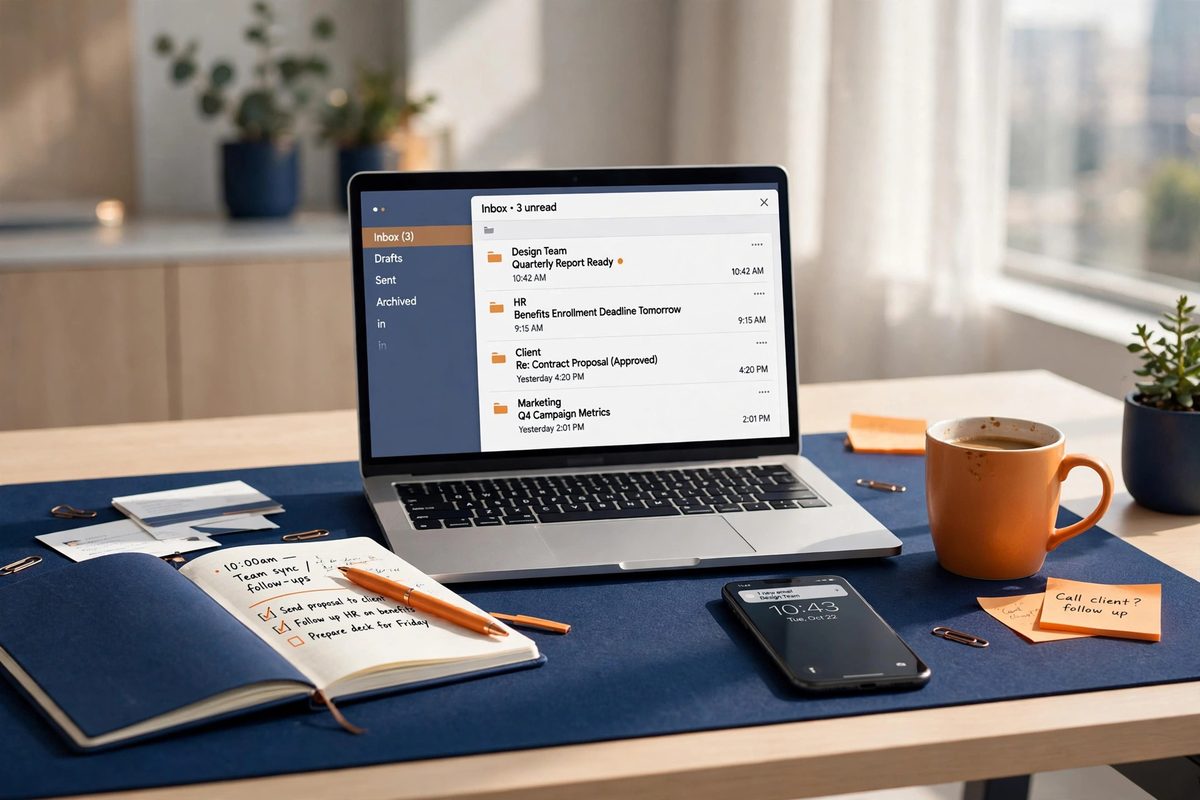
You would not hand a customer a business card with a crossed-out phone number on it. Yet plenty of solid small businesses answer quote requests from a free mailbox that looks exactly like that — an address that says nothing about the business behind it, and quietly invites the customer to wonder whether it is a real business at all. A professional email address fixes that in one move: your business name, in every message you send, on an address you own. This guide explains what business email hosting actually is, why it earns trust that a free mailbox cannot, what to look for when you choose it, and how to switch without losing a single email.
What Is Business Email Hosting?
Business email hosting is email that lives on your own domain name instead of a free provider’s domain. Instead of coolplumber87@freemail.com, your address is hello@coolplumbing.com, or your own name at your own business name. Behind the scenes, a mailbox service hosts that address and connects it to your domain with a few technical records. In daily use it looks and feels like any other inbox: the same folders, the same apps on your phone and computer, the same way of writing and replying. The difference is not in how you use it. The difference is in what every message says about you before it is even opened.
That distinction matters because an email address is often the first thing a customer sees from you. It sits on your website, your invoices, your quotes, your business cards, and every reply you send. A free address tells the reader nothing, and in a world full of scam mail, “nothing” reads as a risk. Your own domain tells them, in one glance, that there is a real business here with a real name and a real website behind it.
Why a Free Mailbox Costs You Trust
Trust is the whole argument, and it plays out in small moments. A customer comparing two quotes — one answered from sarah@brightcleaning.com, the other from sarah1989@freemail.com — does not run a background check. She simply feels more confident about the first one. The same applies to suppliers, partners, and larger clients, who often treat a domain address as a basic sign that a business is established. It is not fair, and it is not the whole story of your work, but it is how people judge an inbox they have never seen before.
There is a second, quieter cost. Free addresses look temporary, because they are easy to create and abandon. When a customer wonders whether you will still be reachable in six months, a free mailbox feeds that doubt. A domain address signals the opposite: someone who has put their name on something and plans to stay. And for a growing business, role addresses make a one-person firm look organised — quotes@, support@, and hello@ can all land in the same inbox, while the customer sees a business with proper channels rather than one personal mailbox doing everything.
Deliverability: Why Business Email Lands in the Inbox
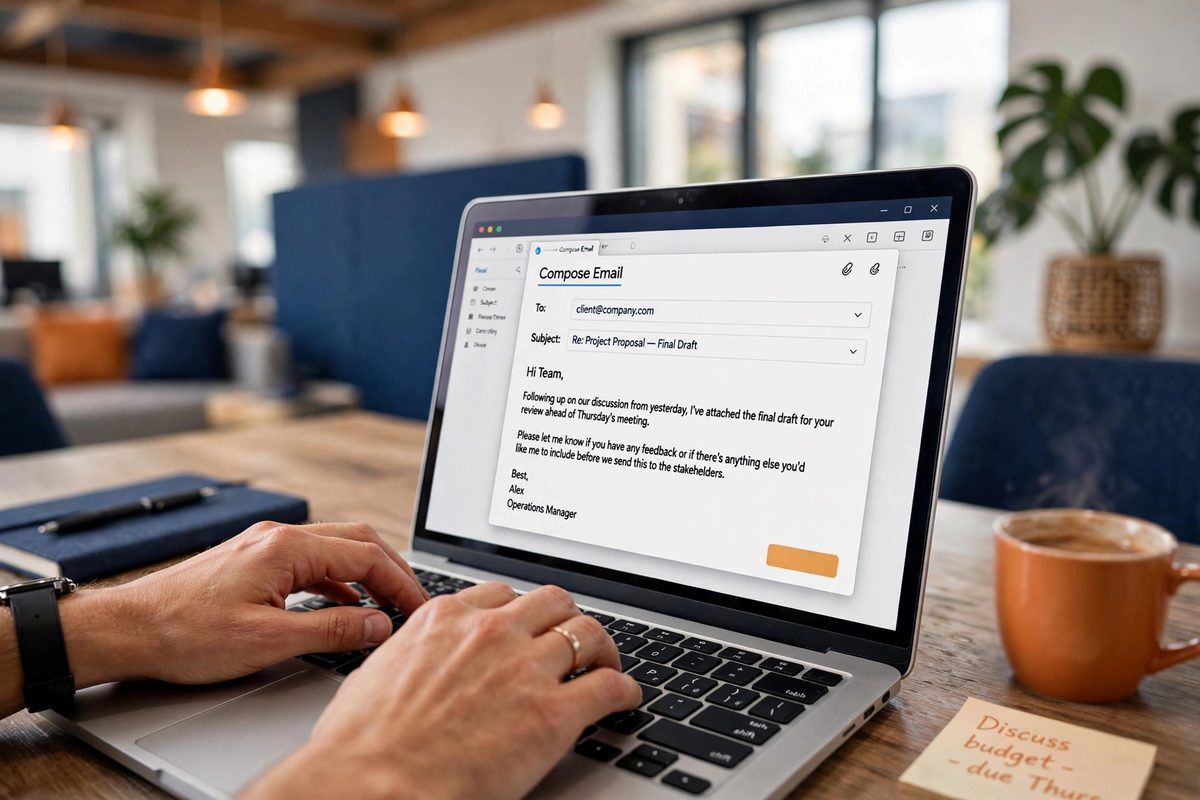
Trust gets you opened. Deliverability gets you seen at all. Spam filters decide, in a fraction of a second, whether your message belongs in the inbox, the spam folder, or nowhere. One of the strongest signals they use is authentication: a set of records on your domain — known as SPF, DKIM, and DMARC — that prove a message really came from your domain and was not forged. When those records are set up properly on your own domain, your mail carries its own proof of identity. A free mailbox cannot give you that, because the domain is not yours to prove anything about.
There is also the neighbourhood problem. A free mailbox service hosts millions of users on shared domains, and a wave of spam from a few bad accounts can drag down the reputation of the whole domain for a while. Your mail gets judged alongside strangers you have never met. On your own domain, your reputation is yours alone: it rises and falls on your own sending behaviour, and nobody else’s spam can sink it. That is a practical, everyday advantage, not a technical nicety — it is the difference between a quote landing in front of a customer and quietly sitting in spam.
Control: Your Address, Your Rules
Control is the reason businesses rarely switch back once they have made the move. When you own the domain, you own the address. If a member of staff leaves, the mailbox and its history stay with the business, and the address can be reassigned to whoever takes over the role. Compare that with a free account tied to one person: if access is lost, the account is locked, or the provider closes it, the address goes with it — along with every conversation, quote, and customer thread attached to it.
Ownership also means flexibility. You can add an address for a new service, a new team member, or a seasonal campaign in minutes, and retire it just as fast. You can set up aliases so several addresses feed one inbox, which keeps a small team organised without paying for mailboxes nobody needs. And if you ever change email provider, the address does not change at all: you point the same domain at the new provider, and customers keep writing to the same address they always have. Your contact details survive every supplier change, because they belong to you, not to a platform.
What to Look for in Business Email Hosting
Not all business email hosting is equal, so it pays to check a few things before you commit. Storage comes first: years of mail, quotes, and attachments add up, and a mailbox that fills up starts bouncing new messages. Look for room to grow rather than the smallest plan that fits today. Spam and virus filtering matters just as much — good filtering quietly removes the junk before it reaches you, and weak filtering wastes your morning. Apps and sync should be standard: webmail in the browser, and the same mailbox on your phone and computer, with sent mail and folders kept in step everywhere.
Then there are the human factors. Migration help is worth asking about directly: will the provider help move your old mail across, or are you on your own with an export file? Support that answers matters the day something breaks, which is usually the day you are waiting on an important reply. And aliases and role addresses should be included, not charged as extras, because they are the feature that makes a small business look properly set up. If a plan ticks those boxes, it will serve you for years; if it misses two or more, keep looking.
See all the hosting we recommend on our Recommended Hosting page.
How to Switch Without Losing a Single Email
Switching sounds disruptive, and done carelessly it can be. Done in the right order, your customers notice nothing at all. First, confirm your domain and set up the new mailboxes and aliases, so the new address exists before anything changes. Second, move your old mail across — most providers and migration tools copy existing messages into the new mailbox, so your history travels with you. Third, update everywhere the old address appears: your website, invoices, quotes, signatures, and listings, so new mail starts arriving at the new address.
Fourth, tell your regular contacts with a short note from the new address, so they recognise it and save it. Finally, keep the old mailbox open for a few weeks to catch stragglers, with a reply in place pointing to the new address, and only retire it once the trickle has stopped. Follow that order and there is no downtime, no lost thread, and no customer left writing to an address nobody checks. Skip the order — cancel the old mailbox first, for example — and you create exactly the mess you were trying to avoid.
Business Email and Your Website Work Together
Email does not live apart from the rest of your business presence; it completes it. When your website, your invoices, and your inbox all carry the same domain, customers see one recognisable business instead of three disconnected pieces. A visitor who finds you online, then gets a reply from the same name they saw on the site, trusts both more — the website vouches for the email, and the email vouches for the website. That consistency is free once the domain exists, and it is one of the cheapest credibility upgrades a small business can make.
If you do not have a domain yet, that is step one, and it is also the only part that needs a decision before anything else. If you already have one — even if the website is still on the to-do list — professional email is the quickest upgrade available to you: it takes an afternoon to set up, it changes how every customer sees you from the first message, and unlike a redesign, it pays off in every single reply you send. If you would like help getting set up, take a look at our web design services and get in touch — tell us your domain and what you use email for, and we will help you move across cleanly.
Need a website built? You can hire us on Fiverr for any type of website — tell us what your business needs and we will build it for you.
Frequently Asked Questions
What is the difference between business email and a free mailbox?
Business email uses your own domain name — you@yourbusiness.com — while a free mailbox uses the provider’s domain. The visible difference is trust: your business name is in every address. The practical difference is control: you own the domain, so the address stays yours even if you change provider.
Do I need a website to get a professional email address?
No. You need a domain name, not a website. Email hosting works on the domain alone, so you can set up professional email first and build the website later — many small businesses do exactly that.
Will I lose my old emails when I switch?
No, provided the switch is done in the right order. Set up the new mailbox first, copy your existing mail across, and keep the old mailbox open for a few weeks to catch anything still addressed to it. Nothing needs to be deleted until you are sure everything has moved.
Can I use business email on my phone?
Yes. Business mailboxes connect to the same mail apps you already use on your phone and computer, and sent mail, folders, and read status stay in sync across every device.

Muhammad Usman designs and builds high-converting websites for small businesses — and writes practical guides like this one from real project experience.
Keep Reading

What Is Web Hosting? A Simple Explanation for Beginners

How to Write an About Page That Builds Trust

How to Choose the Right Web Design Agency (12-Point Checklist)
Need a Website That Actually Performs?
Fixed pricing, professional build, live in weeks. Tell us about your project — free strategy call, no pressure.