How to Show Up in “Near Me” Searches
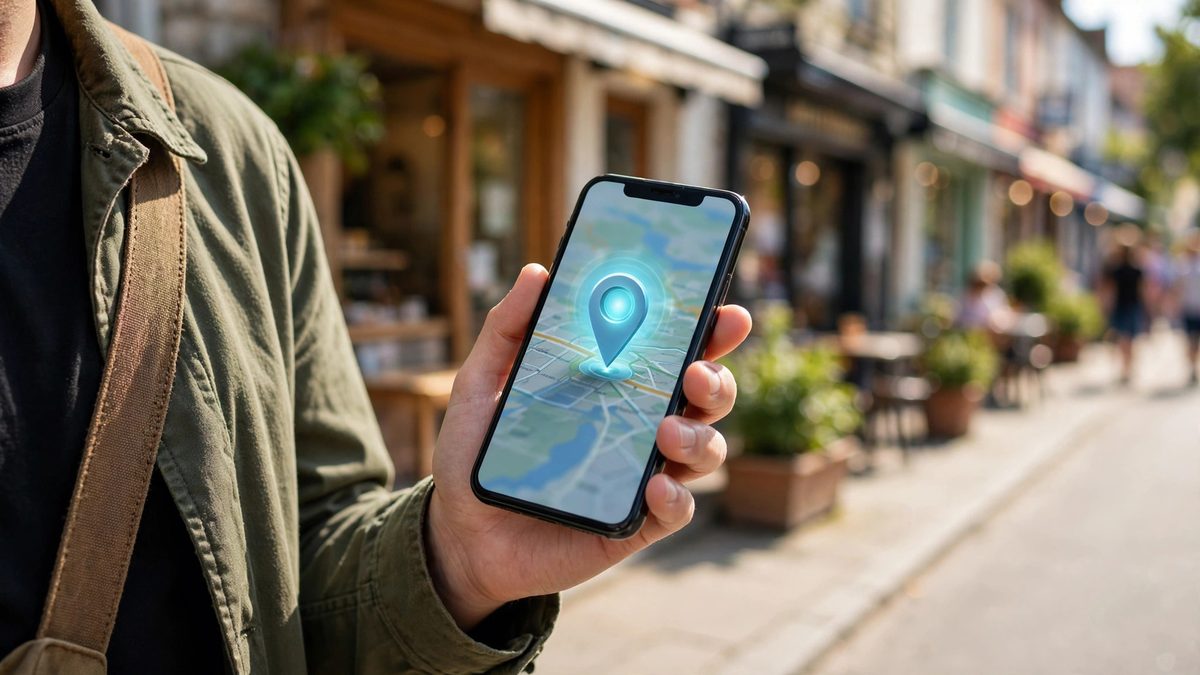
"Plumber near me." "Coffee shop near me." "Emergency dentist near me." These are some of the most valuable searches on the internet because the person typing them usually wants to buy, book, or visit right now. Showing up in these searches doesn't require a big advertising budget — it requires getting a handful of local SEO fundamentals right. Here's the complete playbook.
- How Google Decides Who Shows Up for “Near Me” Searches
- Step 1: Claim and Optimize Your Google Business Profile
- Step 2: Earn Reviews — Then Keep Earning Them
- Step 3: Make Your Website Local-Search Friendly
- Step 4: Build Consistent Local Citations
- Step 5: Earn Local Links and Community Signals
- The Bottom Line
How Google Decides Who Shows Up for “Near Me” Searches
When someone searches with "near me" (or just a local query like "pizza" from their phone), Google shows a map with three featured businesses — the local pack — plus a list of organic results below it. Google ranks businesses for these searches using three main factors: relevance (how well your business matches what the searcher wants), distance (how close you are to the searcher's location), and prominence (how well-known and trusted your business appears online).
You can't change your physical distance from every searcher, but you can dramatically improve your relevance and prominence — and those two factors often decide who wins the top spots. Every step below targets one or both of them.
Step 1: Claim and Optimize Your Google Business Profile
Your Google Business Profile (formerly Google Business Profile) is the single most important asset for "near me" visibility. It's free, and an unclaimed or half-finished profile is the number one reason small businesses don't show up locally.
- →Claim and verify your listing at business.google.com, then fill in every field: business name, categories, address, phone, website, and hours.
- →Choose the right primary category — be specific. "Italian restaurant" beats "Restaurant", and "Emergency plumber" beats "Plumber" for the searches that actually convert.
- →Write a keyword-rich description that describes what you do and where you do it, in natural language.
- →Upload real photos — your storefront, interior, team, and work. Profiles with photos get significantly more clicks and direction requests.
- →Keep your hours accurate, including holiday hours. Wrong hours don't just lose customers — they earn one-star reviews.
- →Post updates regularly using the built-in Posts feature — offers, events, and news keep the profile active.

Step 2: Earn Reviews — Then Keep Earning Them
Reviews are the heaviest prominence signal Google has. Businesses with more reviews — and higher ratings — consistently outrank competitors with fewer reviews, even when the competitor is physically closer to the searcher. Our Google reviews guide shows how to build that stream.
- →Ask every happy customer. The best time is right after a successful job or purchase. A short text or email with your direct review link makes it easy.
- →Respond to every review. Thank positive reviewers and address negative ones professionally. Google notices, and so do future customers.
- →Never buy or fake reviews. Google removes them, and getting caught can damage your listing. Real reviews from real customers only.
- →Aim for a steady flow. Ten reviews a month for six months beats sixty reviews in one week followed by silence — consistency signals an active, trusted business.
Step 3: Make Your Website Local-Search Friendly
Your website supports your Google Business Profile and captures the organic results below the map pack. Google needs clear signals on your site that you serve a specific location.
- →Put your full NAP on every page, ideally in the footer — name, address, and phone number, formatted exactly the same as your Google Business Profile.
- →Create a contact/location page with your address, an embedded Google Map, driving directions, parking info, and your service area.
- →Use local keywords naturally in page titles and headings — "emergency plumber in Austin TX" rather than just "plumbing services".
- →Build location pages if you serve multiple areas — one dedicated page per city or neighborhood, each with genuinely useful local content.
- →Add LocalBusiness schema markup so search engines can read your business details unambiguously.
- →Make it mobile-fast. The vast majority of "near me" searches happen on phones — a slow or broken mobile site kills your chances.
Step 4: Build Consistent Local Citations
Citations are mentions of your business name, address, and phone number on other websites — Yelp, Facebook, Bing Places, Apple Maps, industry directories, and local chamber of commerce sites. They confirm to Google that your business is real and located where you say it is.
Start with the major platforms, then add industry-specific directories (Avvo for lawyers, Angi for home services, Healthgrades for healthcare) and local ones (your city's chamber, neighborhood blogs, local news sites). The key rule: your name, address, and phone number must be identical everywhere — even small variations like "St." vs. "Street" can weaken the signal. See our NAP consistency guide for the full audit process.
Step 5: Earn Local Links and Community Signals
Prominence isn't only about reviews — it's about how connected your business is to its community, online and off. Local links from trusted nearby sources are powerful ranking signals.
- →Sponsor or partner with local events, teams, schools, or charities — these usually earn a link from the organization's website.
- →Get covered by local media. A feature or quote in a local news site or blog is a high-authority local signal.
- →Join local organizations like the chamber of commerce or business associations with member directories that link to you.
- →Create locally useful content — neighborhood guides, local event roundups — that nearby sites naturally want to reference.
The Bottom Line
Ranking for "near me" searches comes down to a clear formula: a fully optimized Google Business Profile, a steady stream of genuine reviews, a website that speaks your location clearly, consistent citations across the web, and real connections to your local community. None of these require a big budget — just consistent effort. Work through the steps above in order, and give it 60 to 90 days; local SEO compounds. If you'd like help building a local search strategy for your business, consider a professional consultation.
Need a website built? You can hire us on Fiverr for any type of website — tell us what your business needs and we will build it for you.
Frequently Asked Questions
What are “near me” searches?
Searches where Google uses the searcher's location to show nearby businesses — either with the literal phrase "near me" or implied local intent, like "pizza" or "emergency dentist" typed on a phone.
Can a new business rank for “near me” searches quickly?
Yes. "Near me" rankings depend more on proximity, reviews, and profile completeness than on domain age. A new business with a fully optimized profile and early reviews can outrank older competitors nearby within a few months.
Do I need to pay for ads to show up in “near me” results?
No. The map pack is organic — you cannot buy those positions. Google Ads can appear above the map pack, but the three map listings themselves are earned through relevance, distance, and prominence.
Why does my business show up for some “near me” searches but not others?
Because relevance varies by query. If your categories, services, and reviews do not mention a service, Google will not show you for it. Add every service you offer to your profile with clear descriptions.

Muhammad Usman designs and builds high-converting websites for small businesses — and writes practical guides like this one from real project experience.
Keep Reading

Local Link Building Strategies for Small Businesses

NAP Consistency: Why Your Business Listings Must Match

Service-Area Pages: How to Rank in Every City You Serve
Need a Website That Actually Performs?
Fixed pricing, professional build, live in weeks. Tell us about your project — free strategy call, no pressure.