How to Choose a Website Template for Your Small Business
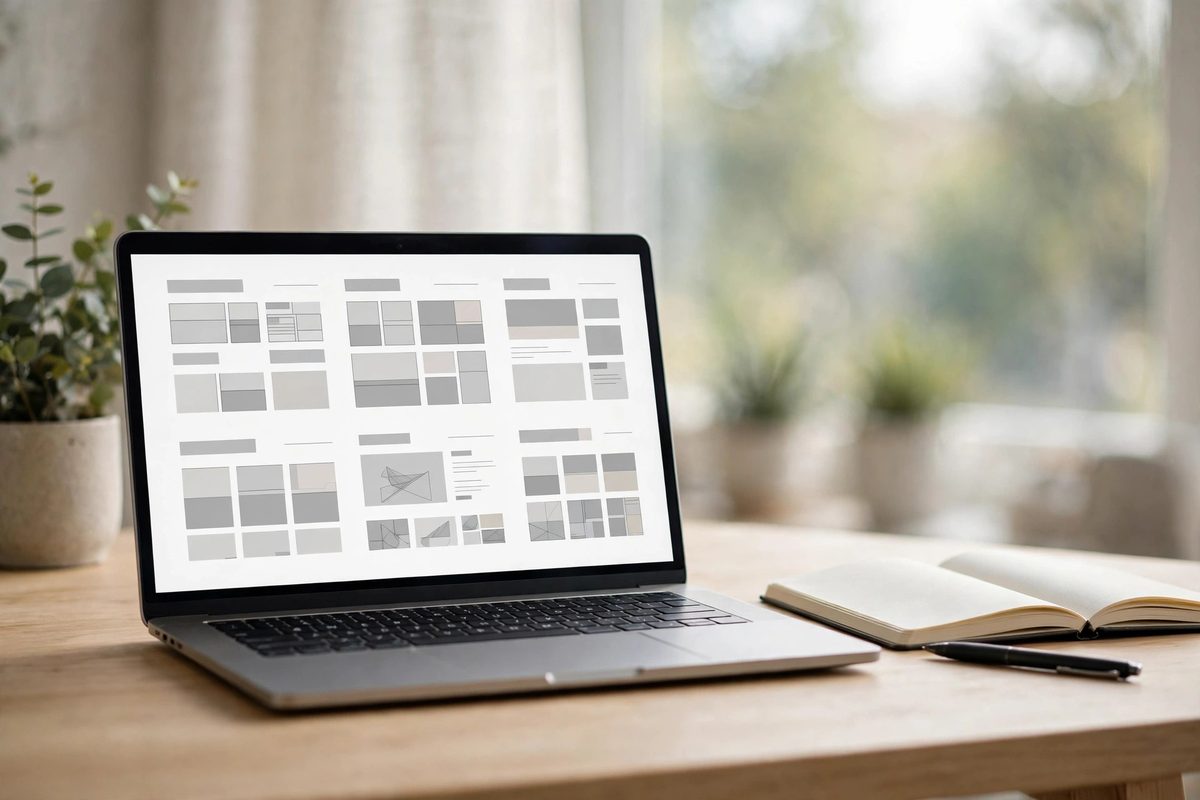
A website template can make your business look polished in a weekend — or it can quietly hold you back for years. The difference usually comes down to fit, not looks. The prettiest template in the library is useless if it buries your phone number, loads like it's wading through mud, or can't grow when you add a service next year. This guide walks through how to pick one that actually fits your business, with the checks worth doing before you commit — because switching later is far more painful than choosing well now.
- Start With the Job, Not the Look
- Match the Structure to Your Business Type
- Test It on Your Actual Phone First
- Check the SEO Basics Before You Fall in Love
- If the Demo Feels Slow, It Only Gets Worse
- Free vs. Paid: What You're Actually Paying For
- The Switching Trap Nobody Mentions
- When a Template Is the Wrong Answer
- A Quick Checklist Before You Commit
Start With the Job, Not the Look
Before you browse a single template, write down the two or three things you want visitors to do. Call the business. Book an appointment. Request a quote. Buy a product. Visit the shop. That's the whole list that matters, and every template you look at should be judged against it. A restaurant needs its menu, hours, and a reservation link up front. A consultant needs service pages, proof of expertise, and a simple way to book a call. A home service business needs quote requests, service areas, and a phone number within easy reach. If the demo hides the contact button, buries the service details, or spends more energy on visual effects than on clear navigation, it's already failing the only test that counts.
A good template answers five questions fast: what does this business offer, who is it for, where is it located or served, why should someone trust it, and what should the visitor do next? If a template helps you answer those clearly, it's already ahead of most. There are thousands of templates out there — Wix alone offers over 2,000 free ones — so there's no reason to settle for a layout that fights you.
Match the Structure to Your Business Type
Here's the mistake that costs the most after launch: picking a template by visual style before checking whether its structure matches how your business actually works. A bakery, a law firm, and a freelance photographer all type "website template" into the same search box, and they need almost nothing in common. A photographer needs a gallery-first layout with minimal text between the visitor and the work. A law firm needs trust signals and clear service pages before any sales pitch. A local service business — plumber, salon, dentist — needs its phone number and hours visible without scrolling, plus an address and a map. A restaurant needs the menu, hours, and a reservation or order link, not a long brand story. A shop needs clear product categories and a visible path to purchase. If a template's homepage puts things in the wrong order for your kind of business, you'll spend a disproportionate amount of time re-architecting it instead of just filling in your content — which defeats the whole point of starting from a template. Style should be the second filter, applied only after the structure fits. A plain template with the right structure will consistently outperform a beautiful one that buries the information your visitors are actually looking for.
Test It on Your Actual Phone First
Most small business websites get the majority of their visitors from phones now — over 64% of all website traffic in 2025 came from phones, according to Exploding Topics. So don't trust a sales page that says "responsive" and call it done. Open the demo on your own phone and use it like a real customer would. Does the menu open quickly and close easily? Are phone numbers and buttons easy to tap? Can you read the text without pinching? Do images resize without cutting off important details? Can someone actually complete the contact form, or does the submit button end up below the visible screen on a smaller phone?
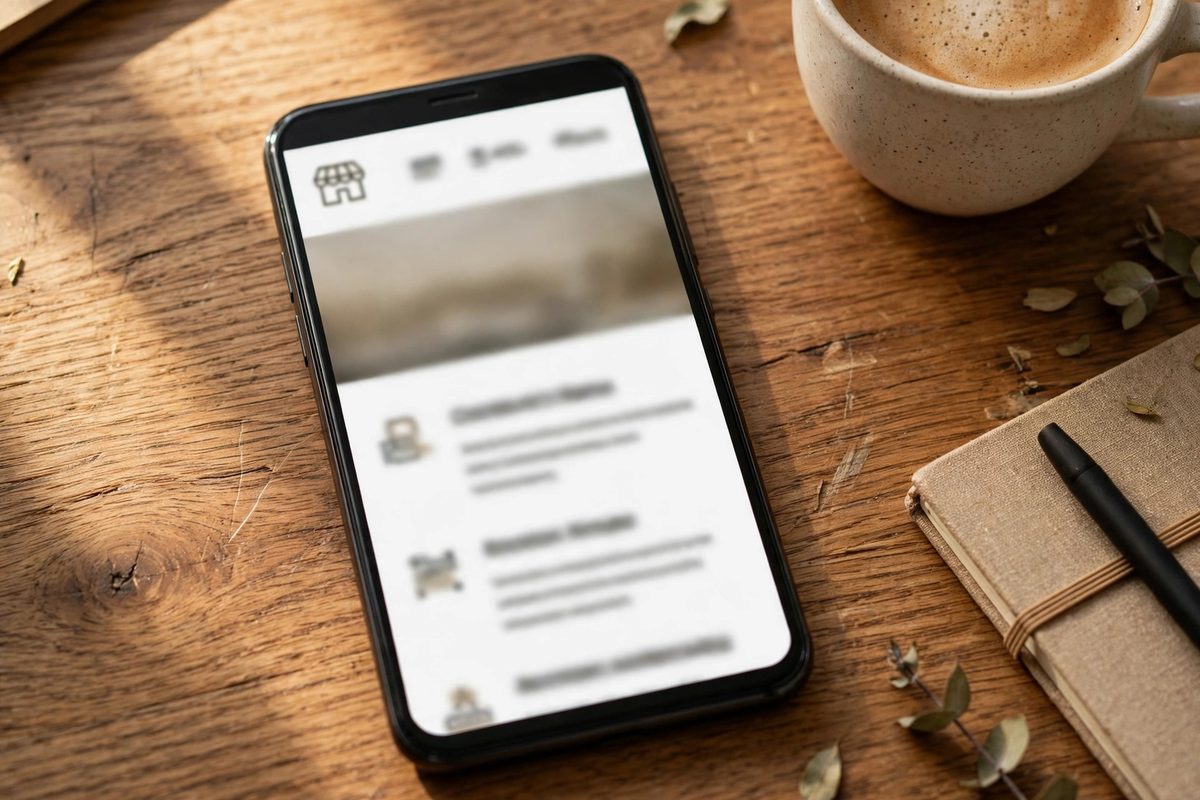
Pay close attention to the small things that only show up on a real device. A phone number printed as plain text instead of a tappable tel: link means the visitor has to copy it out by hand — and most won't bother. A map embed that eats the whole screen before a visitor can scroll past it. A big hero image that looks polished on desktop but pushes everything important too far down on mobile. If the demo feels awkward on your phone, your customers will feel it too.
Check the SEO Basics Before You Fall in Love
A template won't do your SEO for you, but a bad one can make it much harder. Before you commit, check that you can set a unique page title and meta description for every page, that each page has one clear main heading, that headings follow a sensible order, and that you can add alt text to images. Those are the basics, and a surprising number of flashy templates make at least one of them awkward. Also check the URL structure — clean, readable addresses beat long strings of numbers and codes. And watch out for templates that bury important text inside images. A beautiful banner with words baked into the graphic might look great, but search engines can't read it, screen readers can't read it, and you can't edit it without opening an image editor. Real text on the page beats text in a picture every time.
If the Demo Feels Slow, It Only Gets Worse
Speed is where a lot of templates quietly fail. They get slow from oversized images, heavy scripts, unnecessary animation, multiple sliders, and too many design libraries loaded at once. Some of that can be fixed later, but it's far better to start clean. Open the live demo and pay attention to how it feels, not just how it looks. Does it load quickly? Do images appear smoothly, or does the page jump around while loading? Does scrolling feel smooth on mobile? You don't need to be a developer to notice the warning signs — if a demo feels slow before you've added a single photo of your own, it'll feel slower after launch, when your real images, tracking code, and content are all piled on top. A faster template usually has simple layouts, limited animation, clean code, and lazy loading for images. If you want the full picture, our website speed guide covers what actually slows a site down and how to fix it.
Free vs. Paid: What You're Actually Paying For
Most website builders include their templates free with a subscription — Wix's 2,000-plus templates, for example, are all free to use on its plans. Standalone premium templates from marketplaces and theme shops typically run anywhere from $30 to $500 as a one-time purchase. Free isn't automatically bad and paid isn't automatically good. What you're really paying for with a premium template is usually better layouts, cleaner code, documentation, and someone to answer when something breaks. What you should be careful about is free templates from unknown sources. Some are perfectly fine, but others carry poor code, no support, no updates, and occasionally hidden problems you won't spot until much later. Before you buy or install anything, read the reviews — both the good and the bad. One complaint means little. Repeated mentions of poor support, bugs, or difficult editing should make you cautious. And check when the template was last updated. An older template may still work, but it can fall behind current platform standards and browser behavior.
The Switching Trap Nobody Mentions
Here's the part most template roundups skip: switching templates later is rarely a button click. On Wix, for instance, you can't switch to a different template once your website is live — you rebuild. On other platforms, your text and images can usually be copied over, but there's no automatic migration between unrelated templates. Expect to re-paste your content into the new structure by hand. That's why the choice matters more than it looks like it should. It's also a good reason to keep a separate document with your finalized copy — your real text, independent of whichever template currently holds it — so a redesign never means rewriting everything from memory. And check the page count before you commit. A template screenshot usually only shows the homepage, so check whether the about page, services pages, contact page, and blog are actually included. Most local businesses do fine with four to six pages, but each one needs to earn its place by answering a question visitors actually have.
When a Template Is the Wrong Answer
Templates are a good deal for a lot of small businesses, but not for every business. If your site needs custom booking logic, a client portal, unusual integrations, or a design that has to stand apart in a crowded market, a template will fight you at every step — and the hours you spend wrestling it into shape can cost more than hiring someone in the first place. The same goes if you've already tried two templates and neither one fits: that's usually the site telling you it needs a custom build, not a third template. If that's where you are, look at our web design services to see how a custom site is built around your business instead of squeezed into someone else's layout, or check our fixed-price packages if you'd rather know the full cost before you start. And if you're comparing a do-it-yourself route against hiring help, our DIY builders vs. professional design guide lays out where each one actually wins.
A Quick Checklist Before You Commit
Run through this list against any template you're seriously considering, in this order. First, does it show your most important information — phone, hours, address — without scrolling, on a real phone? Second, does it include the pages you need, or will you be building half of them yourself? Third, does the contact form actually work, or is it just a static mockup? Some templates show a form that looks complete but submits nothing. Fourth, can you change colors, fonts, buttons, and section order without touching code? Fifth, can you set titles, descriptions, headings, and alt text for SEO? Sixth, does the demo load fast on mobile? Seventh, has the template been updated recently, and is there real support and documentation behind it? If a template passes all seven, it's a solid pick. If it fails the first three, no amount of pretty design will save it — keep looking. And if you'd like a second pair of eyes on the choice, or you'd rather have the whole thing built for you, get in touch with us. Tell us what your business does and what you want the site to do, and we'll tell you honestly whether a template will do the job — or whether you'd be better off with something built for you.
Frequently Asked Questions
How do I choose a website template for my small business?
Start with what you want visitors to do — call, book, buy, or request a quote — then pick a template whose structure supports those actions. Match the layout to your business type, test the demo on a real phone, check the SEO basics (editable titles, one main heading per page, alt text), and check the demo loads fast. Style comes last, after the structure fits.
Are free website templates good enough for a small business?
Often, yes — builders like Wix include over 2,000 free templates that are professionally designed and responsive. What matters more than the price is whether the template fits your business, loads fast, and is maintained. Be cautious with free templates from unknown sources, which can carry poor code, no support, or hidden problems.
Can I change my website template later?
Usually, but it is rarely a one-click job. On some platforms, like Wix, you cannot switch templates once your site is live — you rebuild. On others, you can copy text and images over, but there is no automatic migration, so expect to re-paste your content into the new structure by hand. Keep a separate copy of your finalized text so a redesign never means rewriting everything.
What is the most common mistake when choosing a website template?
Picking by visual style before checking whether the structure fits the business. A gorgeous template built around a large hero image works well for a photographer and badly for a law firm that needs to establish credibility with real content above the fold. Check the structure first, then the style — and always test the demo on a phone before you commit.

Muhammad Usman designs and builds high-converting websites for small businesses — and writes practical guides like this one from real project experience.
Keep Reading
Custom Website vs Template: The True Cost Comparison
DIY Website Builders vs Professional Web Design
How to Choose the Right Web Design Agency (12-Point Checklist)
Need a Website That Actually Performs?
Fixed pricing, professional build, live in weeks. Tell us about your project — free strategy call, no pressure.