Web Design vs Web Development: What's the Difference?
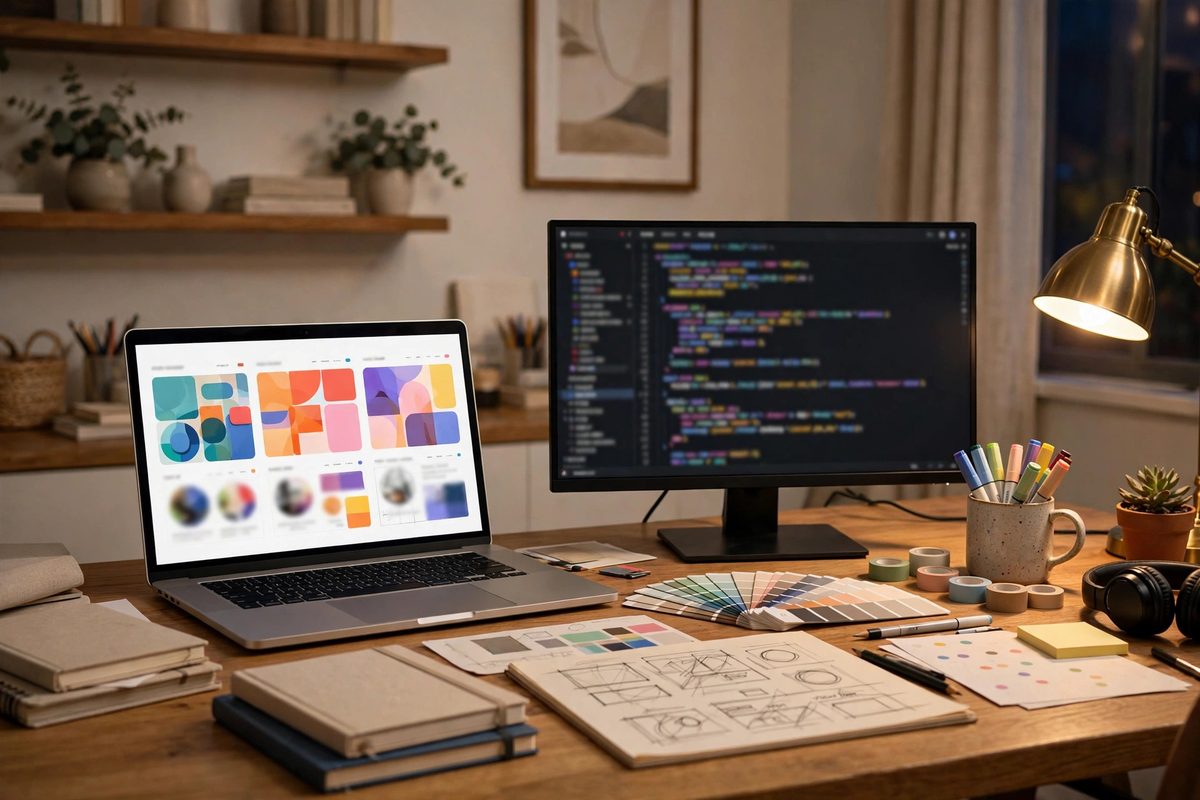
People say "web designer" and "web developer" like they mean the same thing. They don't — and the mix-up costs real businesses real money. Here's the version we hear every few months: someone pays a freelancer $2,000 for a new website and gets back beautiful mockups. Pictures. Gorgeous, pixel-perfect pictures of a website that doesn't exist and nobody can click on. The freelancer was a designer, not a developer, and nobody clarified the difference before money changed hands. Here's the plain-English version, so that never happens to you.
The One-Sentence Difference
Web design decides how your site looks and feels. Web development decides how it works. The designer draws the house; the developer builds it. An architect can hand you the most beautiful floor plan you've ever seen, but you can't live in a floor plan — and a perfectly built structure nobody wants to walk into isn't much better. A website that actually wins customers needs both halves done well.
The confusion is understandable because the two jobs touch each other at every point in a project. But they involve different skills, different tools, different deliverables — and usually, different people.
What a Web Designer Actually Does
A web designer shapes everything the visitor sees and feels: the layout, the color palette, the typography, the imagery, the page structure, the navigation — and the path from "just looking" to "let me call these people." Graphic design is part of it, but the real craft is usability: making a site that's not just attractive but genuinely easy and pleasant to use.
Designers spend their days in tools like Figma or Adobe XD. What they hand you is not a working website — it's wireframes (bare-bones page blueprints), mockups (full-color designs of each page), and sometimes clickable prototypes. The biggest misconception about this job is that it's decoration. It's not. A skilled designer's first questions aren't about colors; they're about you: who's visiting your site, what are they trying to do, where might they get confused, and what should they click next? Every design choice follows from those answers.
You'll also hear two terms that designers throw around constantly:
- UI (user interface) — what visitors see: buttons, menus, spacing, visual hierarchy. Good UI catches attention.
- UX (user experience) — how the site feels to use: whether a visitor finds what they need in seconds or gives up and hits the back button. Good UX builds confidence.
Here's the insight most business owners miss: visitors don't judge your design by how it looks — they judge it by whether it helps them do what they came to do. A site that's pretty but confusing has failed at its job, no matter how much the designer labored over it.
What a Web Developer Actually Does
Once the designs are approved, someone has to turn those mockups into a real website that lives on the internet. That's the developer's job. While the designer decided what the "Book Appointment" button should look like and where it sits on the page, the developer makes that button actually do something: open the form, validate the inputs, send the email, store the booking, and not break on your customer's phone.

Development splits into two halves:
- Front-end development — the part visitors interact with directly: responsive layouts that reshape for phones, navigation menus, interactive buttons, animations, and making sure everything behaves in Chrome, Safari, and the rest. The languages of the trade here are HTML, CSS, and JavaScript.
- Back-end development — the machinery nobody sees: servers, databases, login systems, payment processing, security, and the connections between your site and third-party tools. When someone submits a form or pays online, the back end is what processes it safely.
Without development, a website is a collection of pictures — literally, that's all a mockup is. And development controls more of your results than most business owners realize: site speed, security, and the technical foundations of SEO all live here. Two businesses can launch visually identical websites, and the one with better development keeps its visitors because it loads in two seconds instead of six. Your visitors never see the code. They just quietly leave the slow site.
The Difference, Side by Side
| Web Designer | Web Developer | |
|---|---|---|
| Focus | Look, feel, and experience | Code, functionality, and reliability |
| Goal | Build trust and guide visitors to act | Make everything work fast and securely |
| Typical tools | Figma, Adobe XD, Sketch | HTML, CSS, JavaScript, PHP, frameworks |
| Delivers | Wireframes, mockups, prototypes | A working website with real features |
| Thinks about | "Is this clear and inviting?" | "Is this fast, safe, and stable?" |
Neither half is "more important" — that's the wrong fight. A beautiful site that doesn't work is a brochure nobody trusts; a working site that looks dated is a shop nobody walks into. Both fail. The money question is always the next one: which half is your project's actual problem?
Which One Does Your Project Actually Need?
Stop asking "designer or developer?" and ask "what problem am I trying to solve?" The answer usually makes the hiring decision obvious:
- Your site looks dated or embarrassing. That's a design problem. You need a designer to rethink branding, layout, and how visitors experience you.
- Your site is slow, breaks, or throws errors. That's a development problem. You need a developer to fix performance, stability, and the technical foundation.
- You need bookings, logins, payments, or a custom feature. That's development. A designer can make the booking screen look beautiful; only a developer can make it actually book.
- You get traffic but almost no enquiries. Start with design. If people arrive and leave without calling, your conversion path — navigation, clarity, calls to action — is usually the weak link, and that's designer territory.
- A brand-new website from scratch. Both. Design creates the experience; development builds it. Hiring only one side leaves you with either beautiful pictures of a nonexistent site or a working site nobody wants to look at.
One expensive mistake to avoid: hiring for the cheaper half today and rebuilding the other half next year. Going cheap on development to "save money" and then paying someone to rebuild the whole thing on a solid foundation is one of the most common budget blowouts we see. If your project needs both, plan for both from the start. Rather than assembling the puzzle yourself, you can also see how our web design and development services work together under one roof — which is also the approach to take if you're deciding between hiring a freelancer or an agency for the job.
How Designers and Developers Work Together
In a healthy project, the work flows in a familiar sequence: business discovery (who's the site for, what should it achieve) → planning → wireframes → visual design → development → testing → SEO checks → launch → ongoing improvements. Design comes first in that chain, but the two halves overlap constantly — a good developer flags technical constraints while the design is still on the artboard, so nobody falls in love with a feature that can't be built affordably.
The handoff between them is where projects quietly stall. Designers think visually; developers think in systems. When the two sides don't communicate, you get designs that can't be built on budget, or developers rebuilding pages because the requirements kept changing. Skipping the planning stage to "move faster" is the classic trigger — it feels quick for a week, then produces delays and extra costs that dwarf whatever time was saved. Planning looks slow. It's what makes the project fast.
You may also run into designer-developers — hybrids who do both. The line between the disciplines is genuinely blurring: more designers are learning to code, and more developers are picking up design. For a small business site, a strong hybrid can be ideal and simplifies communication. For anything complex — a large store, custom integrations, heavy traffic — dedicated specialists on each side still produce better results. Match the team to the complexity, not to your assumptions.
Why Both Matter for SEO
A lot of businesses treat SEO as something that starts after the site goes live. It doesn't — it's baked in during both halves of the build. The design side contributes navigation, engagement, and accessibility: can visitors (and Google) find and understand your pages? The development side contributes speed, mobile performance, Core Web Vitals, and the technical SEO layer: clean code, proper markup, a site Google can crawl without choking. One without the other leaves your rankings with a handicap.
If you're weighing the technical foundation underneath your site — how it's built, not just how it looks — our comparison of WordPress vs a custom-coded website walks through the trade-offs that matter most for long-term performance.
The Bottom Line
Web design is how your site looks and feels; web development is how it works. Confusing the two is how people end up with gorgeous mockups and no website, or a functional site that scares customers away. Before you hire anyone, name the problem you're solving — dated look, broken functionality, missing features, dead conversions — and hire the half (or halves) that fix it. And if the answer is "honestly, all of it," that's fine too: that's what a proper team exists for.
If you'd rather have both halves handled by one team from day one, get a free quote — we'll tell you honestly which side of the build your project needs most, and you can use our agency checklist to size us up against anyone else you talk to.
Frequently Asked Questions
What's the difference between web design and web development?
Web design covers how a website looks and feels — layout, colors, typography, imagery, and usability. Web development covers how it works — the code, databases, integrations, performance, and security behind it. Design is the appearance and experience; development is the engine. A complete website needs both done well.
Do I need a web designer or a web developer?
It depends on the problem you're solving. An outdated look or confusing layout calls for a designer; a slow or broken site calls for a developer; custom features like bookings or payments call for a developer; good traffic with no enquiries usually starts with a designer rethinking the user experience. A brand-new website normally needs both.
Can one person do both web design and web development?
Yes — hybrid designer-developers are increasingly common and can be ideal for smaller business websites, since one person sees the whole project. But both disciplines keep getting more specialized, so larger or more complex projects usually get better results from dedicated specialists on each side.
Which comes first, web design or web development?
Design usually comes first: the layout, look, and user experience get established, and development builds on them. In practice the two overlap and inform each other throughout a project — a good developer flags technical constraints while designs are still being drawn, which is why communication between the two sides matters so much.

Muhammad Usman designs and builds high-converting websites for small businesses — and writes practical guides like this one from real project experience.
Keep Reading

Hiring a Freelancer vs an Agency for Web Design

How to Choose the Right Web Design Agency (12-Point Checklist)
WordPress vs Custom-Coded Website: Which Is Right for You?
Need a Website That Actually Performs?
Fixed pricing, professional build, live in weeks. Tell us about your project — free strategy call, no pressure.