What Makes a Good Website? 8 Traits Every Great Site Shares
Ask a room of business owners what makes a good website and you will hear a lot about colors, animations, and the latest design trend. Ask their customers — or better, watch what those customers actually do — and a very different answer shows up. People do not stay because a site is beautiful. They stay because they understand it instantly, trust it quickly, and know what to do next. That is the whole test. Everything below is just the practical version of it.
- 1. It Tells a Stranger What You Do in 5 Seconds
- 2. It Earns Trust Before Anyone Reads a Word
- 3. It Loads Fast Enough That Nobody Notices It
- 4. It Was Built for Phones, Not Squeezed Onto Them
- 5. The Navigation Is Boring — In the Best Way
- 6. Every Page Pushes One Clear Action
- 7. It Proves Itself With Evidence, Not Adjectives
- 8. It Gets Maintained Like a Storefront, Not Launched Like a Rocket
- The 5-Minute Test for Your Own Site
1. It Tells a Stranger What You Do in 5 Seconds
Here is a test most business owners have never run: open your homepage on your phone, hand it to someone who has never heard of your business, and ask three questions — what do we sell, who is it for, and what should you do next? If they cannot answer all three in about five seconds, your site is failing its first job, no matter how nice it looks.
The uncomfortable part is that you cannot grade this yourself. You read your own site with insider knowledge; your visitors arrive knowing nothing. Most homepages we audit bury the answer in a clever headline ("Solutions for a Brighter Tomorrow") that tells a stranger precisely nothing. The fix is boring and effective: a plain headline that says what you do, one supporting line that says who it is for, and one visible action — a button, a phone number, something to click. Our high-converting homepage guide walks through exactly how to structure that first screen.
2. It Earns Trust Before Anyone Reads a Word
Here is the part owners get backwards: trust is not built by what you say about yourself. It is decided in the first glance, before a single sentence gets read. According to widely cited research from Stanford University, 75% of users judge a website's credibility based on its design, and 94% of first impressions are design-related, as reported in this first-impression breakdown.
What does that actually mean in practice? Visual inconsistency — mismatched fonts, clashing colors, uneven spacing — reads as carelessness, and visitors translate carelessness into unreliability. But here is the correction most people need: vague, boastful language actively erodes trust too. Phrases like "we provide top-quality solutions" match the pattern of empty marketing copy people have learned to distrust. Specific, plain statements ("we build booking websites for dental clinics in Texas") do more for credibility than any superlative. Trust is experienced, not explained.
3. It Loads Fast Enough That Nobody Notices It
Google's own data says 53% of mobile users leave a site if it takes more than 3 seconds to load, a figure rounded up in this features roundup. But the number understates the damage, because a slow site does not just lose impatient visitors — it changes how the patient ones see you. People unconsciously translate "slow website" into "sloppy business." Fast websites feel professional, modern, and respectful of your time; slow ones feel like the opposite, no matter how good the content is.
The good news is that speed is the cheapest upgrade in web design. Oversized images and bloated plugins cause most of the problem, and both are fixable in an afternoon. If you want the full rundown, our website speed guide covers the fixes in order of impact.
4. It Was Built for Phones, Not Squeezed Onto Them
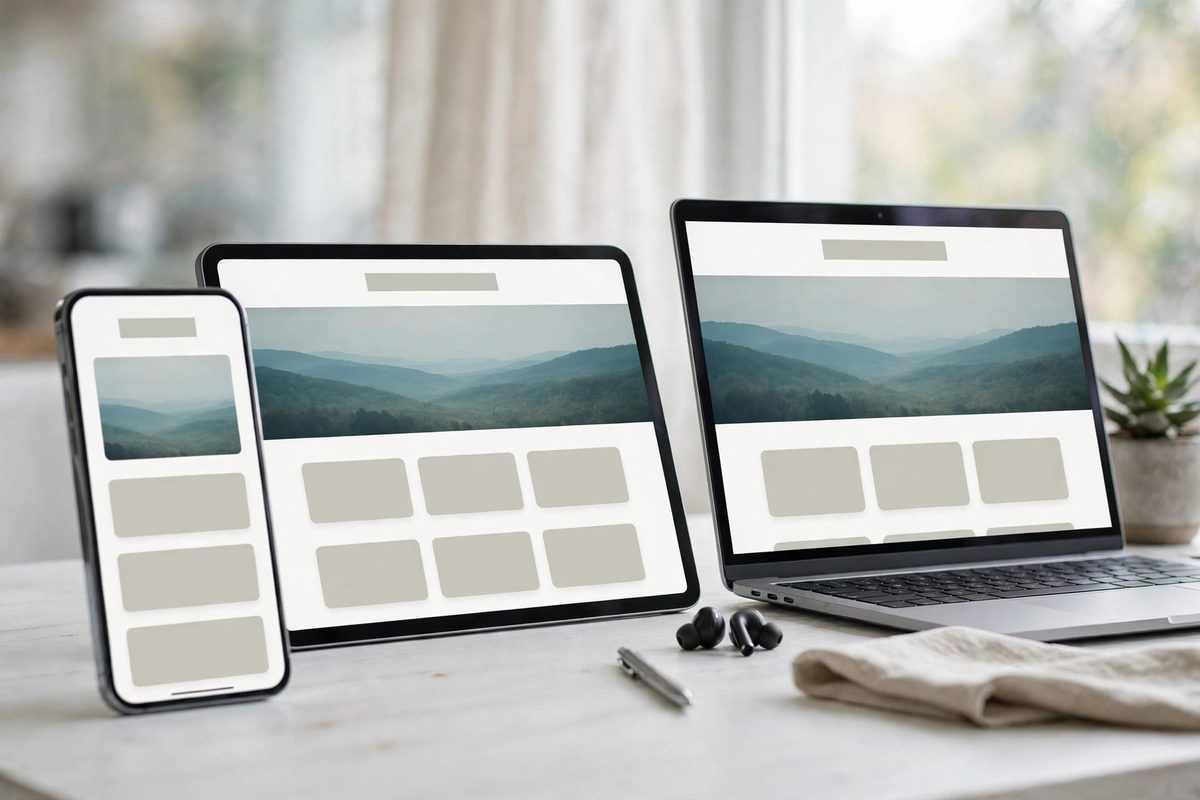
More than half of all web traffic now comes from mobile devices, so the phone version of your site is not the "other" version — for most visitors, it is the only version they will ever see. And here is the insight most "responsive" sites miss: passing a responsiveness checkbox is not the same as being designed for a phone. A desktop layout shrunk to fit gives you buttons too small to tap, text that needs pinch-zooming, and forms nobody finishes on a bus.
A genuinely phone-first site has big tap targets, text that reads without zooming, short forms, and a phone number you can call with one tap. The simplest check: do your whole enquiry flow on your own phone, standing up, with one thumb. If it annoys you, it is costing you customers. See our mobile design guide for what "done right" actually looks like.
5. The Navigation Is Boring — In the Best Way
Creative navigation is a vanity project. Every visitor arrives with a mental map of how websites work: logo top-left, menu across the top, contact in the footer. Every clever deviation from that map — mystery labels, hidden menus on desktop, artsy icons with no words — makes people think. And thinking is the enemy of clicking.
Good navigation is predictable: a simple menu with plain labels ("Services," "Pricing," "About," "Contact"), a header that stays visible while scrolling, and contact details never more than one click away. It will never win a design award. It will win you customers, which is the actual job.
6. Every Page Pushes One Clear Action
Here is a counterintuitive one: more buttons do not mean more leads. When a page offers five equally-weighted options — call, email, chat, download, subscribe — visitors tend to pick a sixth option: leaving. Psychologists call it decision paralysis, and your homepage is not exempt from it.
Every page should have one job. A service page's job is to get the enquiry. A pricing page's job is to start the conversation. Pick the action, put it above the fold and again at the bottom of the page, and demote everything else. Our call-to-action guide covers placement and wording that actually gets clicks.
7. It Proves Itself With Evidence, Not Adjectives
One study found that 81% of consumers need to trust a brand before making a purchase. So the question is what counts as proof. Reviews and testimonials are the obvious answer — and a Verisign study found 84% of consumers consider a business with a website more trustworthy than one without. But new businesses make a common mistake here: they assume no reviews means no proof, so they fill the gap with adjectives ("trusted," "leading," "best-in-class") that convince nobody.
Proof comes in more forms than reviews: real photos of your team and work, detailed service pages that show you know the subject, a real address and phone number, client logos, before-and-after examples. And one honest warning: visitors spot stock photos in seconds, and a handshake photo from a stock library actively undermines everything else on the page. Real beats polished. If you want to see what credible, professional design looks like in practice, browse our portfolio — every project there was built for a real business with real customers.
8. It Gets Maintained Like a Storefront, Not Launched Like a Rocket
A launched site is not a finished site. This is the trait nobody thinks about until it costs them: the footer that still says © 2022, the "limited-time offer" from last spring, the team page showing people who left two years ago, the phone number that changed. Each one is small. Together they tell a visitor one story: is this business still operating?
Think of your website like a physical storefront — nobody would leave a "closed for renovation" sign up for a year. A quarterly once-over is enough: check every link, confirm the phone number and prices, update the copyright year, refresh anything seasonal. It is unglamorous work, and it is exactly what separates sites that keep converting from sites that slowly go quiet. If keeping up with all of this sounds like a second job, that is literally what our web design services cover — design, build, and the ongoing care that keeps it working.
The 5-Minute Test for Your Own Site
You now know what to look for. Here is how to check your own site in five minutes:
- ✓The stranger test: hand your phone to someone who does not know your business. Can they say what you do, who it is for, and what to do next — in five seconds?
- ✓The speed check: run your homepage through Google PageSpeed Insights. If mobile scores are red, fix that before anything cosmetic.
- ✓The one-thumb test: complete your own contact or checkout flow on your phone with one thumb. Any friction you feel, your customers feel too.
- ✓The freshness scan: read your homepage like a first-time visitor. Any date, offer, or photo that is more than a year old is quietly working against you.
If your site failed more than one of those, you do not need a lecture on design theory — you need a professional eye on the specific problems. Get a free website audit from us: tell us your site's address and what is bothering you about it, and we will give you a straight, honest assessment of what is working and what is not.
Frequently Asked Questions
How do I know if my website is good?
Run the stranger test: hand your phone to someone who has never heard of your business and ask what you do, who it is for, and what they should do next. If they answer all three in about five seconds, your site is doing its job. Then run Google PageSpeed Insights for the technical half of the answer.
What is the single most important part of a good website?
Clarity. If a visitor cannot tell what you do within five seconds of landing on your homepage, nothing else matters — not the design, the speed, or the reviews. Everything else on this list amplifies a clear message; none of it rescues a confusing one.
Does a good website have to be expensive?
No. Consistency, clear messaging, fast loading, and honest proof cost discipline more than money. What a bigger budget buys is execution quality — better copywriting, real photography, and someone who gets the details right the first time — not a fundamentally different set of traits.
How often should I check whether my website still works?
Do a quick review every quarter: test every link, confirm prices and phone numbers, update the copyright year, and remove anything seasonal or outdated. Redesign only when the site stops doing its job — hard to use on a phone, hard to update, or no longer matching what you offer.

Muhammad Usman designs and builds high-converting websites for small businesses — and writes practical guides like this one from real project experience.
Keep Reading
7 Website Design Mistakes That Kill Conversions
How to Create a High-Converting Homepage
Why Mobile-Responsive Design Is Non-Negotiable in 2026
Need a Website That Actually Performs?
Fixed pricing, professional build, live in weeks. Tell us about your project — free strategy call, no pressure.